Frontend Development
Visualizing the Close Queue in the Node.js Event Loop


Welcome to the seventh and final article in our series on visualizing the Node.js event loop. In the previous article, we explored the check queue and its order of priority when executing asynchronous code. In this article, we will take a look at the last queue in the event loop, which is the close queue.
Enqueueing callback functions
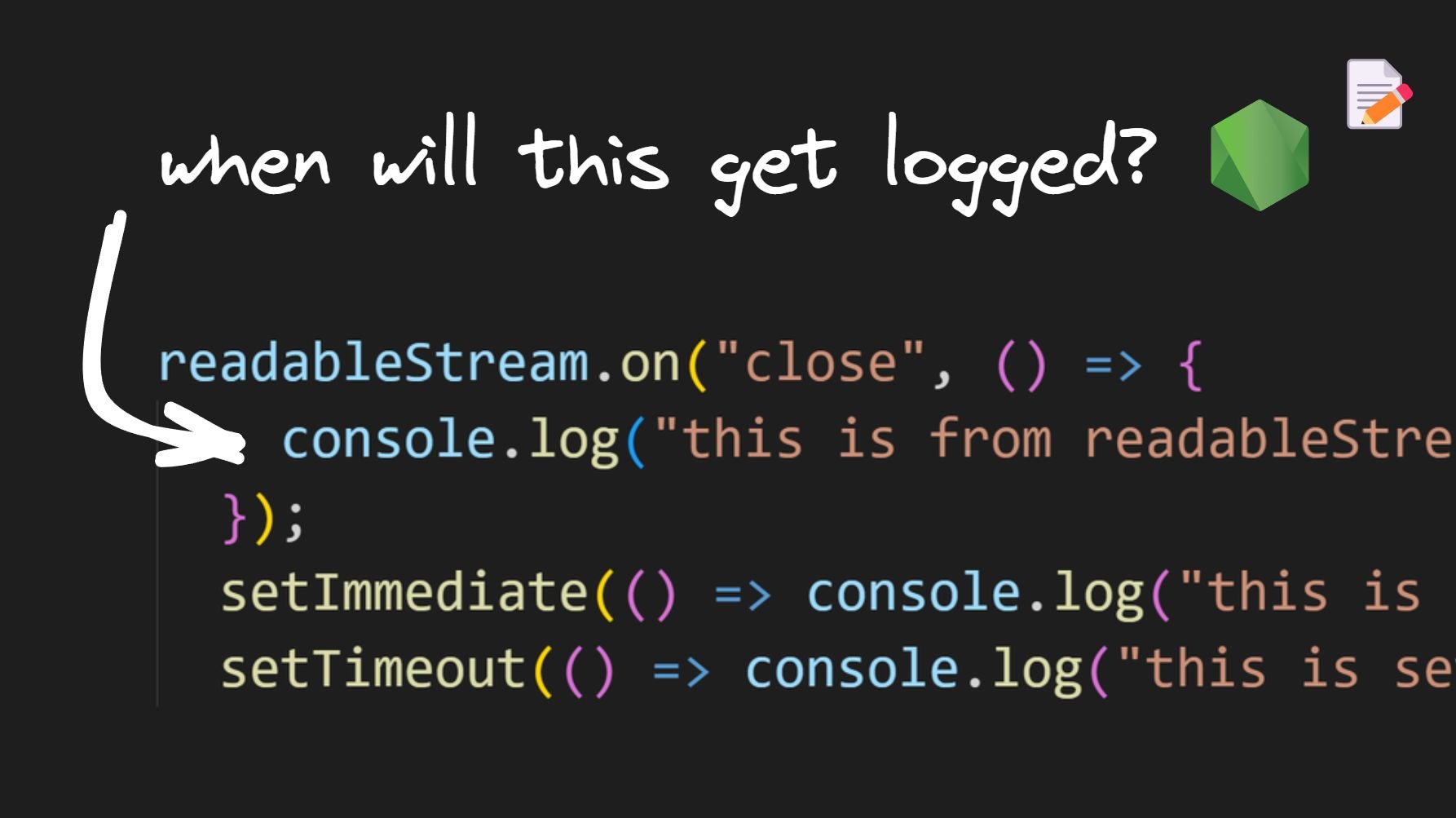
Before we examine our final experiment in this series, I want to point out that the close queue contains callbacks associated with the close event of an asynchronous task. Here's an example of adding a callback function to the close queue:
All the previous experiments dealing with other queues have been covered in the previous articles. They are run using the CommonJS module format.
Experiment 14
Code
First, we import the fs module. Then, we create a readable stream using fs.createReadStream(). Afterward, we close the stream using the close() method. We listen to the close event, which is emitted when the stream is closed, and add a listener to log "this is from the readableStream close event callback".
After this, we have a few familiar methods: setImmediate(), setTimeout(), Promise.resolve().then(), and process.nextTick().
Visualization
After the call stack executes all statements, there will be one callback in each queue except the I/O queue. When there is no further code to execute, control enters the event loop.
First, the callback in the nextTick queue is dequeued and executed. Then, the callback in the promise queue is dequeued and executed, followed by the timer queue callback.
Next, the event loop moves on to the check queue and dequeues and executes its callback. Finally, control moves on to the close queue, where the final callback is dequeued and executed.
Inference
Close queue callbacks are executed after all other queue callbacks in a given iteration of the event loop.
Conclusion
The event loop is a C program that coordinates the execution of synchronous and asynchronous code in Node.js. It manages six different queues: nextTick, promise, timer, I/O, check, and close.
To add a task to the nextTick queue, we use the process.nextTick() method. To add a task to the promise queue, we resolve or reject a promise. To add a task to the timer queue, we use setTimeout() or setInterval().
To add a task to the I/O queue, we execute an async method. To add a task to the check queue, we use the setImmediate() function. Finally, to add a task to the close queue, we attach close event listeners.
The order of execution follows the same order listed here. However, it's important to note that the nextTick and promise queues are executed in between each queue and also in between each callback execution in the timer and check queues.
In This Series
Share