Ecommerce
Shopify Online Store 2.0 + Builder = Magic


Summary
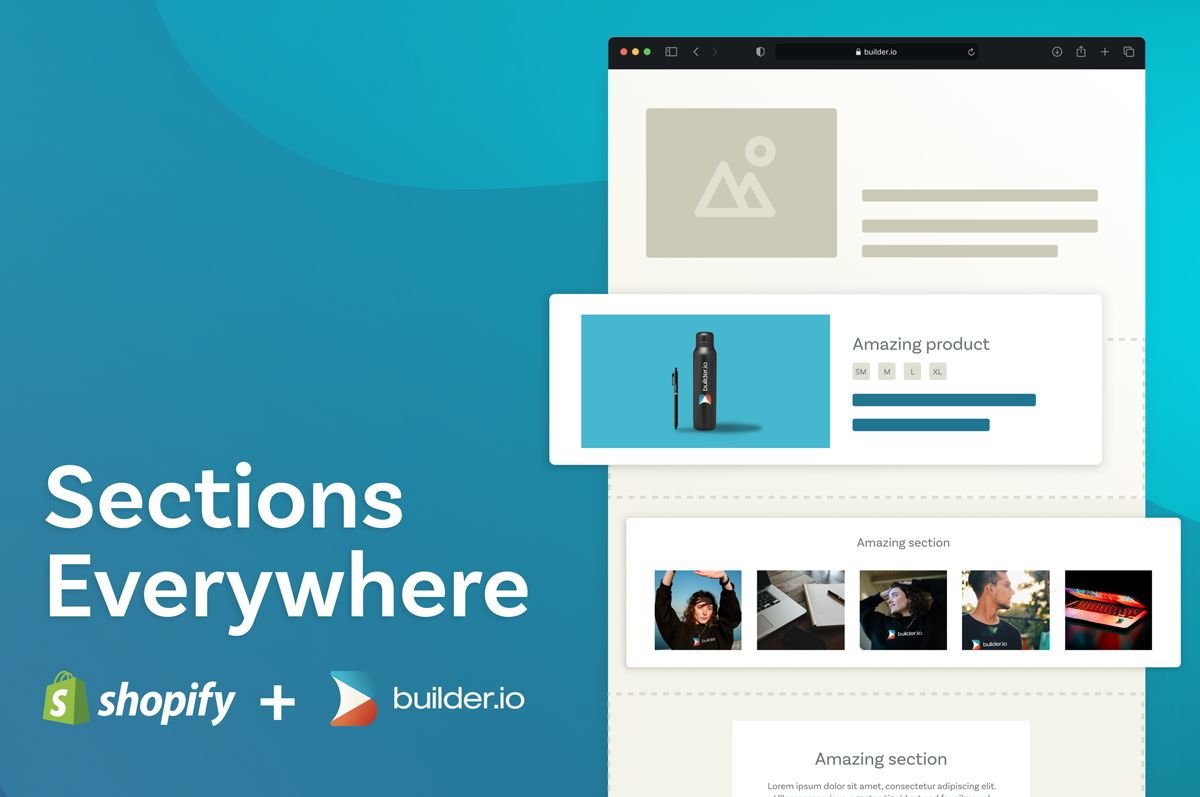
Online Store 2.0 is great for the Shopify ecosystem, and will make editing your Shopify storefront that much easier. Key to Online Store 2.0 is an upgraded editing experience. The new “sections everywhere” capability allows merchants to build out their storefront using pre-built, custom sections. Builder has always supported custom sections within Shopify, and with “sections everywhere” live, we wanted to highlight how Builder’s capabilities compare and contrast.
Overall, Builder differs from “sections everywhere” by allowing merchants to create custom sections from scratch, without relying on their developers/agency. Builder also allows merchants to add optimization capabilities to any section across their storefront. This includes high-speed A/B testing, heatmaps and advanced content segmentation based on any criteria, such as login status, items in cart, browsing behavior, and more.
The Details
Prior to Online Store 2.0, Shopify enabled developers and agencies to build custom sections (i.e. predefined section templates), which merchants could add to their homepage using Shopify's theme editor. With Online Store 2.0, you're no longer limited to just the homepage, but can add custom sections anywhere on your storefront. We’re thrilled Shopify is now providing this much needed flexibility, which Builder has always supported.
The key thing about these section templates is they need to be pre-built and pre-defined. Your developers, or agency, build these sections and install them into Shopify. You can use those section templates anywhere across your storefront but you have to stay within the boundaries of those templates. Builder allows you to do the same and create new ones from scratch visually, so you don’t need to go back to your developers/agency for updates to existing section templates or to create new ones. You can even mix and match section templates and bespoke sections with Builder.

Builder gives you complete drag and drop control over any section. You can drag and drop to build, test, edit and publish sections to your storefront. You can effectively install a "blank template" anywhere on your storefront and drag and drop to put anything in that section -- text, images, videos, carousels, products, collections, add to cart buttons, etc. Builder also lets you add optimization capabilities to any section, including built-in A/B testing, heatmaps and content segmentation based on any criteria (e.g. logged in/out, previous purchases, etc.) -- you'll never be limited by what you can build and optimize.
Beyond the ability to actually create sections from scratch, there are a few other benefits and differentiators:
1. Leverage new Shopify sections - Any new sections your developers, or agency, create for your storefront can also be used and dragged and dropped within Builder.
2. Content targeting - While Online Store 2.0 makes "sections everywhere" possible, managing sections everywhere will likely be a very tedious effort to manage efficiently with Shopify's theme editor. With Builder you can do elaborate targeting in a very seamless manner -- e.g. have sections show up on certain product or collection pages, easily do site-wide content/banners, etc.
3. Audience targeting - You can deliver different experiences to customers that are logged in vs logged out, or based on shopping behavior, what's in the cart, and more out-of-the-box with Builder, but can't with Shopify's theme editor.
4. A/B testing - You can quickly test copy, assets, CTAs, layouts, etc. of a section with Builder’s built-in A/B testing. You can't do the same with Shopify's theme editor.
5. Going headless - The custom sections your developers/agency built for your Shopify-hosted store, won't transfer over if you decide to go headless. With Builder, all content can seamlessly migrate to any headless stack, including Shopify's upcoming Hydrogen headless solution.
Here's a demonstration of creating fully customizable sections for Shopify in Builder, and managing them in the Shopify theme editor:
Conclusion
Online Store 2.0 gives merchants more flexibility with “sections everywhere,” but these sections need to be pre-built and predefined by your developers/agency before you can use them to build out your Shopify storefront. It will make sense for merchants to do more in Shopify's theme editor than they do today but, because of the differentiators described above, we see massive potential for Builder to add even more value to the Shopify ecosystem. Online Store 2.0 makes working with Builder even easier, and as more merchants start using sections, they will start seeing more value from Builder’s additional capabilities in helping them build faster and grow faster.
We've been getting a lot of questions about Shopify's Online Store 2.0, "sections everywhere," and Builder.io, which we've answered in this video:
Additionally, you can find our full documentation on Builder with sections everywhere here

Tip: Visit our Shopify hub for more resources.
Join the invite list
Share