Frontend Development
Fast and Light Relative Time Strings in JS
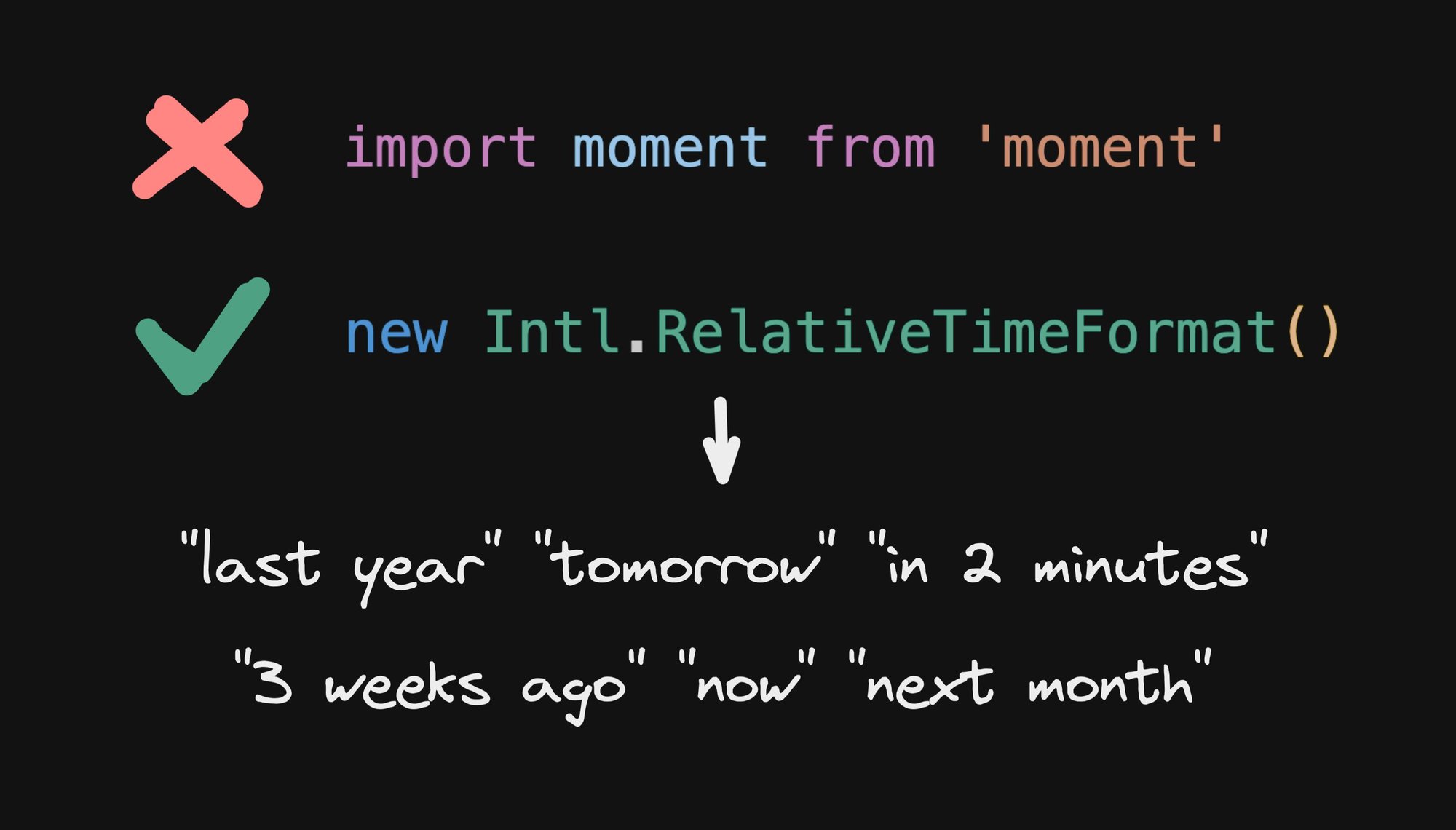


Are you ever building something simple in JavaScript and go woah:

20kb for a simple date transformation??
All I wanted is a pretty output for a relative time. Like time is in 5 minutes or 2 weeks ago or tomorrow . You know, like your calendar can do, and Twitter, and kinda anything that needs to refer to a relative time in a friendly way.
Now, you may think, I got this, and begin doing something like:
Yeah… please don’t. While relative times may seem like a simple problem for a moment, you should begin to realize that relative time strings have a lot of complexities to address, like:
- Pluralization: we don’t say
"1 days ago"or"in 1 minutes" - Abbreviation: who even says
"1 day ago"? Humans say words like"yesterday","tomorrow", or"next year" - Future vs past: such as how we don’t say
"in -2 days", we say"2 days ago" - Localization: This is the big one. Not only is translating complex across many languages (including localized differences to the above bullets), if you even built all of that into your function, you would end up with a massive payload of localized rules and variations.
Why do you think moment.js is so large? It’s not because of incompetent developers. It’s because time and date handling across all of the above criteria is simply complex.
So, before you go and try to do something like this:
Just, please, don’t. There is a solution, and it’s built into browsers.
Intl.RelativeTimeFormat to the rescue
When you're in these situations, it's important to remember that the web platform has been evolving a lot, and these days has so many solutions to common problems built-in.
There is where the Intl object has a number of solutions. For our use case today, we want Intl.RelativeTimeFormat
And, as expected, it works beautifully across locales:
To make things more convenient, you can even just pass in the current navigator.language as the first argument as well:
And supported units include: "year", "quarter", "month", "week", "day", "hour", "minute", and "second"
Making it useful
Returning to our original example, what we really want is something that can automatically pick the appropriate unit to use, so it will print "yesterday" for a date that is 1 day ago, and "next year" for a date that is a year from now (as opposed to "in 370 days" or "in 52 weeks" etc).
So, ideally, we’d have just a simple wrapper function like:
Now that we have Intl.RelativeTimeFormat in our toolkit, we can implement this pretty simply. The only real question is what unit we should choose for the given time delta ("hour", "day", etc)
Here is one simple solution in TypeScript:
Thank you to LewisJEllis for this code snippet that is a simplification of my original quick and dirty solution.
Using date-fns
If you don’t want to have to roll your own solution, there is an open source answer for you as well. date-fns is a great utility library for dates in JavaScript, each exported individually in a tree shakeable way.
Built into date-fns is an intlFormatDistance function that is a tiny wrapper over Intl.RelativeTimeFormat and does exactly what we need, and under 2kb.

You can see the source code for it here and compare it to our above example implementation, if you like.
Browser and runtime support
Heres the best part. Intl.RelativeTimeFormat is supported by all major browsers, as well as Node.js and Deno:

Source: MDN
Explore more of what Intl can do
Now that we’ve got our relative time string solution, let’s quickly peek at a couple other cool constructors on the Intl object, to get a sense of what else it can do.
A couple of my favorites are:
Date formatting with Intl.DateTimeFormat
Intl.DateTimeformat gives you browser native date and time formatting:
Intl.DateTimeFormat is supported by all major browsers, Node.js, and Deno.
Number formatting with Intl.NumberFormat
Intl.NumberFormat gives you browser native number formatting:
Intl.NumberFormat is supported by all major browsers, Node.js, and Deno.
Conclusion
If you’re still using large date handling libraries like moment - modern JavaScript has got you fam, with Intl.RelativeTimeFormat, Intl.DateTimeFormat, and more.
About me
Hi! I'm Steve, CEO of Builder.io.
We make a way to drag + drop with your components to create pages and other CMS content on your site or app, visually.
You can read more about how this can improve your workflow here.
You may find it interesting or useful:
Share