Frontend Development
Node.js module.exports vs. exports: The Right Choice
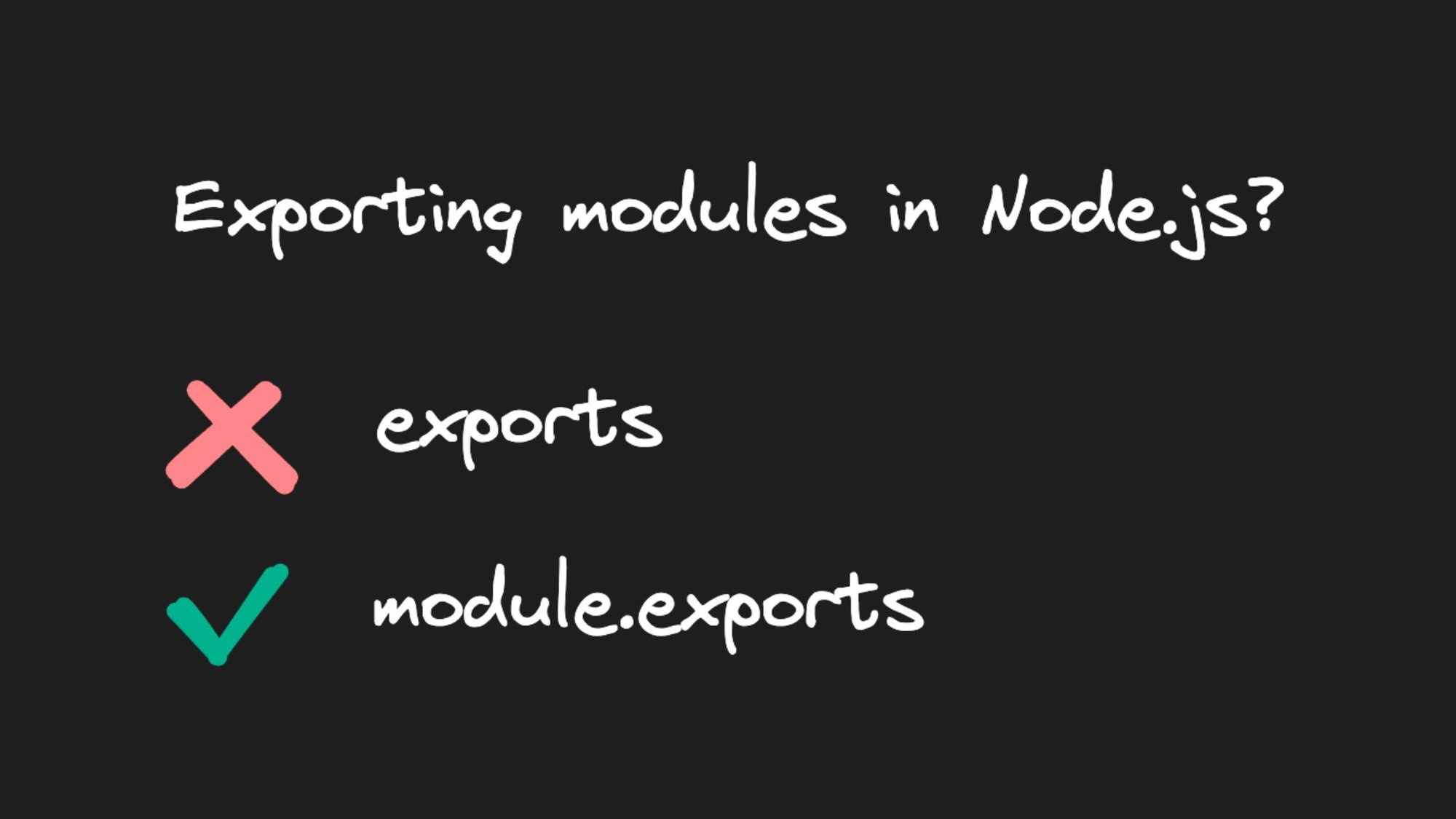


If you've worked with Node.js, you're probably familiar with module.exports and exports keywords used to export code from one module to another. While they may seem interchangeable at first glance, there's a good reason to use one over the other.
Import export patterns
Let's start by going over a few CommonJS import export patterns in Node.js.
Modifying module.exports properties
In the first pattern, functions are attached to properties on the module.exports object. We can see the correct values logged in index.js.
Modifying exports properties
In the second pattern, you attach functions to properties on the exports object. The correct values are still logged in index.js.
Now, this raises the question: why use module.exports when exports seems to achieve the same result with fewer keystrokes? To answer that, let's take a look at the following two patterns.
Assigning new object to module.exports
In the third pattern, a new object is assigned to module.exports. The correct values are then logged in index.js.
Assigning new object to exports
In the fourth pattern, a new object is assigned to exports. However, this pattern does not seem to work, as math appears to be an empty object. Let's understand why.
Object references in JavaScript
Let's revisit how object references work in JavaScript. When you assign one object to another, both objects point to the same memory address. Modifying one will modify the other as well. Let's see this in action.
In this example, both superhero1 and superhero2 reference the same superhero. Modifying superhero2 also modifies superhero1.
However, assigning a new object will break the reference.
In this case, the assignment breaks the reference and modifying superhero2 no longer affects superHero1.
module.exports vs. exports
Now that we understand how objects work in JavaScript, let's relate it to module.exports and exports. In Node.js, module is a plain JavaScript object with an exports property. exports is a plain JavaScript variable that happens to be set to module.exports. When you require a module in another file, the code within that module is executed, and only module.exports is returned.
However, if you assign a new object to exports, the reference is broken and updating exports no longer updates module.exports.
If you try to access add or subtract on the exported object, an error is thrown because module.exports is empty. So, while module.exports and exports may seem interchangeable in the first import export pattern, they are not the same.
Conclusion
When should you choose exports over module.exports? The short answer is that you probably shouldn't. While exports may be shorter and seem more convenient, the confusion it can cause is not worth it. Remember that exports is just a reference to module.exports, and assigning a new object to exports breaks that reference.
Share