Frontend Development
Make the most of your console.log()


Some people (like my coworker Daniel) keep telling us how easy it is to use the NodeJS debugger. But to those who just can’t stay away from their console logs, I wanted to share some tips that will hopefully improve your everyday usage of them!
Tip #1 - Wrap variables in an object
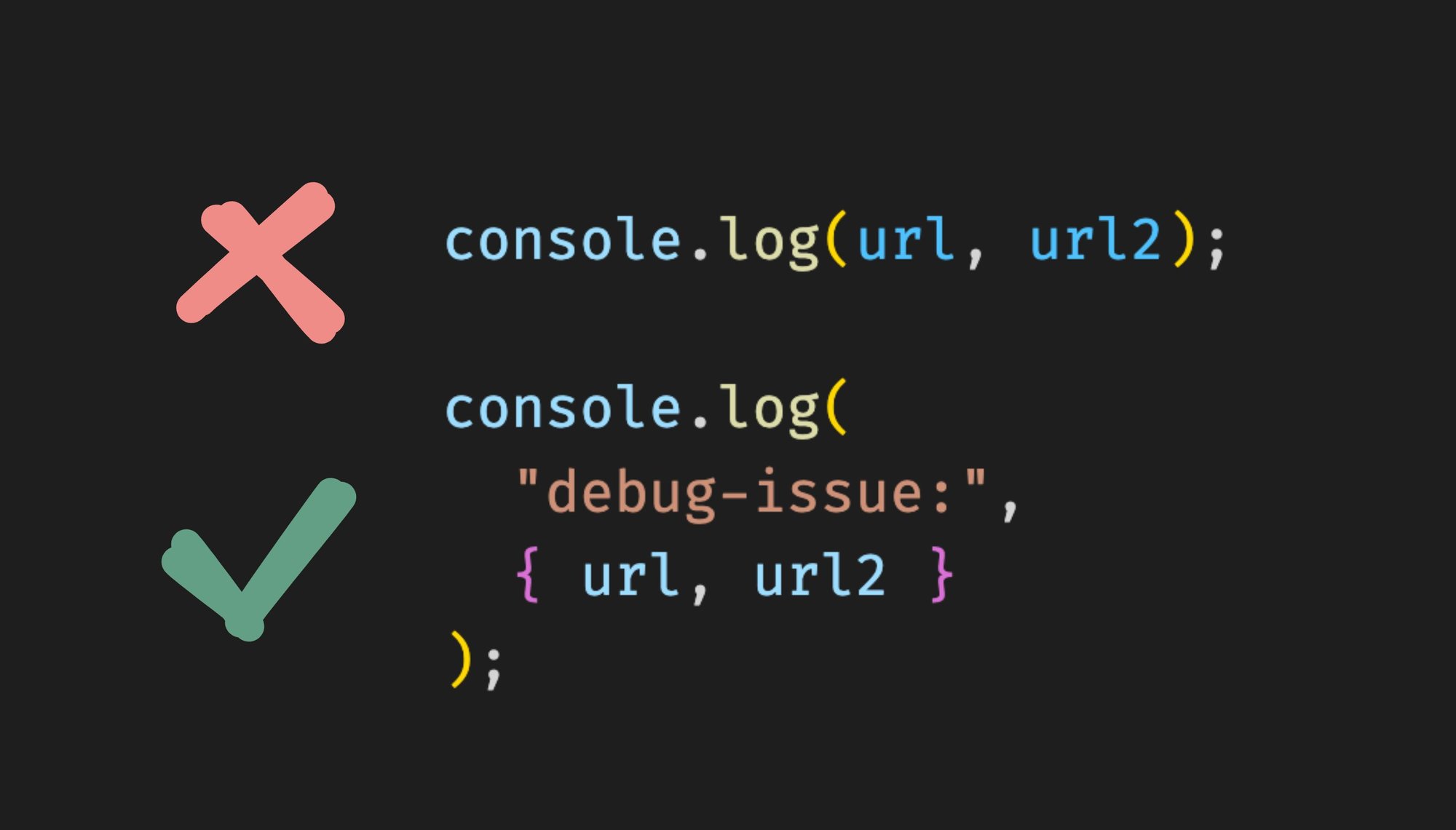
instead of console.log(url, url2, baz) , use console.log({ url, url2, baz })

If you compare the two, you’ll see how useful this is: having the url and url2 keys avoid any confusion between the two urls
Tip #2 - Prefix your logs with a unique string
When logging in multiple places across your app, it’s useful to come up with a unique prefix, and use it for all of your logs. This makes it easier to search and filter the logs in the console.
Watch this brief video to highlight just how convenient it is:
Searching for debug-issue: will allow you to move between all of your unique logs, saving you a lot of time if there are other unrelated logs in-between.
Tip #3 - Use console.table() for objects
console.table()is a much more powerful visual alternative to console.log() when it comes to printing multiple similarly structured objects.
Consider this example:


The table format makes it immediately clear that we misspelled name as names in one row, and forgot an id in another!
Tip #4 - Use console.dir() for functions & DOM elements
console.dir() is great at helping you investigate complex protypes whose toString() output does not reveal everything about them
Consider this Qwik app which logs a function and a DOM element:

And let's look at the outputs:

You can see that console.log provides a stringified version of the function, whereas console.dir provides lots of other properties. What's really cool is that if you click on the [[FunctionLocation]] link, it will show you the source code for that function:

Similarly, you will see that the DOM element output is much more in-depth with console.dir, as you can see every single property of the DOM element:

Tip #5 - Styling your console.logs
I'm going to refer to my colleague Yoav, who mentioned in his CSS tips article how you can style your console.log statements. Check it out!
Wrap up
Hope you enjoyed all of these tips. I’ll keep sharing as I learn more about all the useful features Playwright has, although I hope I never hit a flaky integration test again! If any of these tips helped you, reach out and let me know!
Share