Agent-Native
Introducing Clips: An open-source, agent-native Loom alternative


Updated on November 3, 2026.
I've grown to hate typing to agents.
Instead, I have a hotkey. Whenever something goes wrong, I hit it, start talking, point at the problem, and get a link to send to my agent.
It reads what I said, looks at the screen where I pointed, and, if it was a browser tab, checks the logs. Then it fixes the thing, or answers me in a comment on the clip.
Clips is our open-source Loom alternative, built so every recording is something your agent can watch. And it still does everything you'd use Loom for. Today it's in beta.
Try Clips free, or fork it in the Agent-Native repo on GitHub.
Show your agent what's wrong
Most of what I send agents is some version of "this isn't right." A clip says it faster than I can type it, and it carries evidence a screenshot can't.
Bugs that bring their own logs
The Clips Chrome extension records a tab and, while it's recording, captures what's happening underneath: network requests, console logs, errors thrown on the page, and the clicks that led there.
So instead of "the save button is broken" plus a screenshot, the agent gets the clip, the moment the request failed, and the status it failed with, all on one timeline. It's especially good for bugs that only make sense in motion, like a menu that flashes shut or a layout that jumps after a click.
The extension only attaches to the page while you're recording, and before it saves the logs it removes custom headers, request and response bodies, cookies, and query string values. Anything on screen or printed to the console is still in the clip, so give it a look before you share.

It's also the easiest bug report to ask a teammate for. "Can you send me a clip?" takes them thirty seconds, and you can hand the link straight to your agent instead of going back to ask for the logs they forgot.
Design and product feedback
The same move works when nothing's broken but something's off:
- Click through your Figma design and then the build, talk through the spacing, type and interactions that don't match, and give the clip to the agent building it.
- Walk through a product flow, explain the confusing parts as you go, and ask your agent to draft tickets with acceptance criteria.
How the agent watches
Paste any clip's link into a chat with your agent, like Claude, and ask it to watch. For a private clip, Share has a link just for agents.
Behind the link, every clip has two readers. People watch it in the player. Agents get a version written for them: the transcript with timestamps, the comments and chapters, and any frame they want.

If you point at a problem at 0:42, the agent can look at exactly what was on screen then, or at a run of frames side by side to follow an animation or a fast series of clicks. Clips also suggests frames tied to what you're saying, so the agent knows where to look first.
Your agent can answer on the clip
A clip doesn't have to be a one-way handoff. People can comment on a moment, react, mention a teammate, and reply in threads, so the conversation about a recording happens on the recording.
Agents can join in. Connect your agent to Clips through its MCP server, a standard way to give an agent an app's tools, and it can read a clip's comments and reply in the thread, set chapters, or upload a video of its own and get the share link back.
That makes review go both ways. When an agent finishes a design or a pull request, it records a short narrated walkthrough and uploads it to Clips, and I leave comments on the moments I want changed. Here's one I reviewed this week, a sidebar an agent designed for Content, another of our open-source apps:

Each comment is pinned to a moment, so when the agent reads them, it also gets what the walkthrough was saying and showing right then. It can make the change or answer me in the thread.
Show it once
Some work is easier to show than to describe.
In this clip, Steve approves time-off requests in Rippling, talking through each step, then pastes the link into Claude with "automate this for me every day at 8:00 a.m." Claude reads the transcript, grabs frames of each screen, and sets up a Claude Code routine that does the approvals every morning. He showed it once instead of writing it all out.
The same works for teaching a process: update a page in your CMS while you say what you check before publishing, then share the clip with your agent and with the teammate learning it.
Everything you'd use Loom for
- Record your screen, your camera, or both, from the browser, the Chrome extension, or the desktop app for Mac and Windows. On desktop, the camera bubble can remove your background.
- Share with specific people, make a link for agents, embed a clip, or post it, with a password or an expiry date when you need one.
- See who watched, and which agents read it.
- Find old clips with search, folders and tags, and keep your team's clips together in Spaces.
- Bring your Loom recordings with you using Loom import, or paste a YouTube link to comment on it like any clip.
- Trim, cut and redact in the timeline editor: turn on Video editing in Settings → Labs.
Meeting notes and dictation
The desktop app also takes meeting notes and does dictation.
Meeting notes are in Labs (alpha feature): turn on Meetings and transcription in Settings → Labs, and Clips pops up to take notes when you join a Zoom or Teams call. It records your microphone and the system audio as separate tracks, so your notes can tell your voice from everyone else's.
Dictation is on from the start. Hold your dictation key and talk, or double-tap it to go hands-free. It uses your Mac's speech recognition, or a local Whisper model if you want it fully offline, and you can add your own words to a personal dictionary.
Free, open source, and still shipping
We use Clips every day at Builder, so it keeps getting better. Since we open-sourced it in June, its changelog has picked up more than 800 entries: agents that upload their own clips and reply in comments, frame-by-frame views of animations, a timeline of browser activity in bug reports, Loom and YouTube import, and a camera bubble that drops your background.
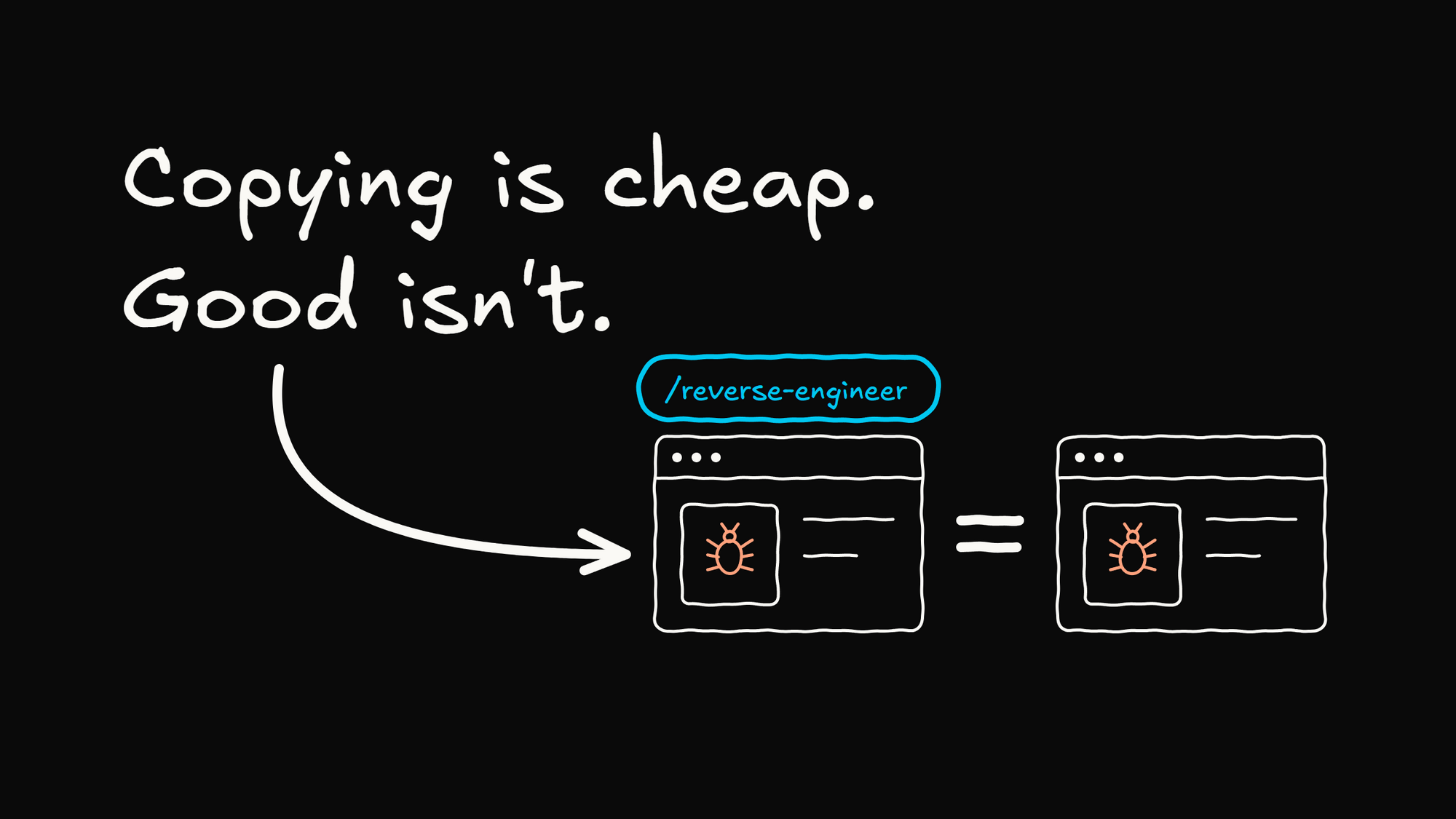
Copying software is cheap now. Making it good isn't. Anyone can point an agent at Loom and get a clone, but as I wrote a couple of weeks ago, the best a clone can do is tie. Loom now has a recording mode for agents on its paid plans. We'd rather make every clip work with your agent, for free, keep it MIT-licensed, and take the best fixes back upstream so everyone gets them.
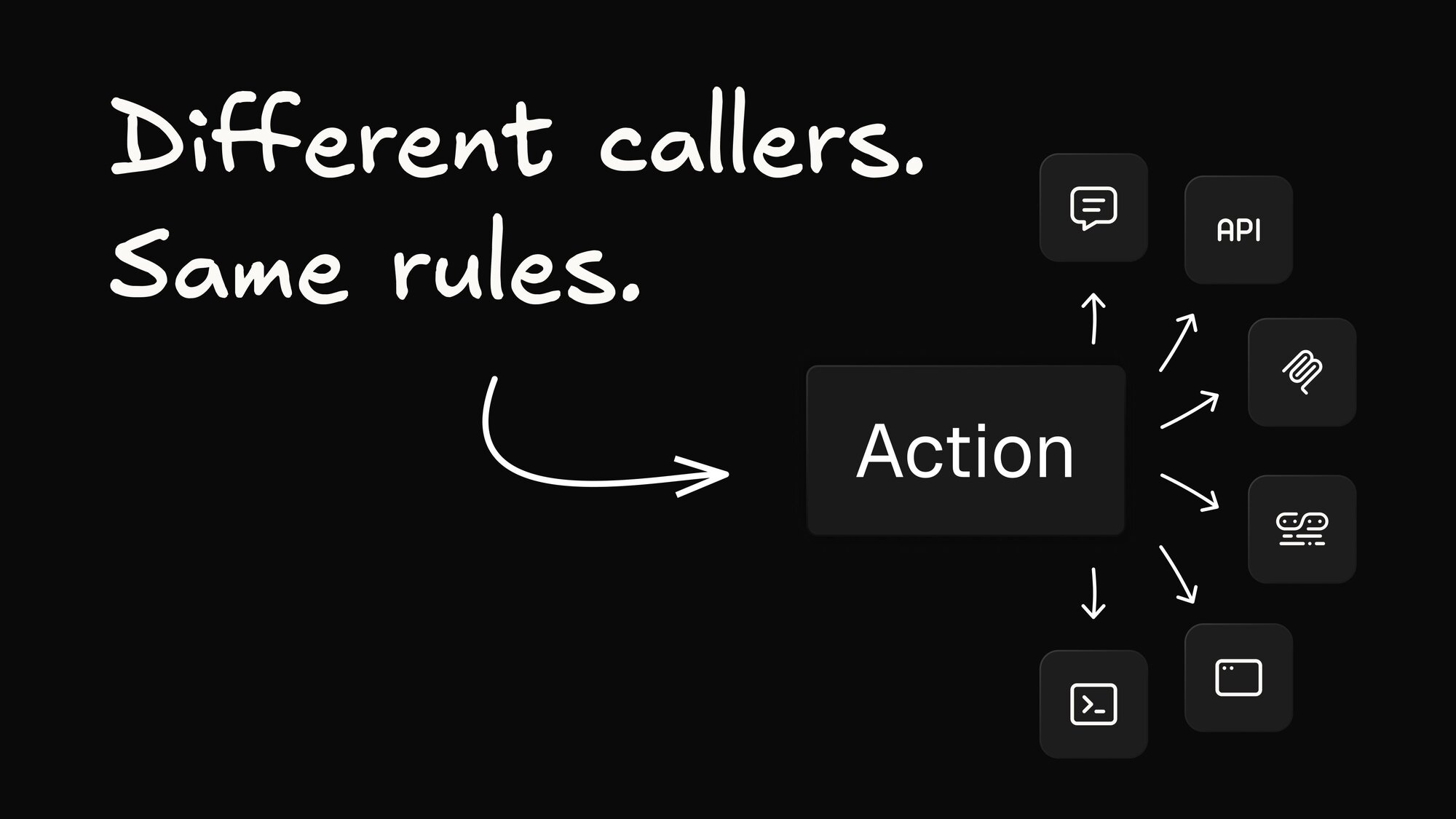
The whole app lives in the Agent-Native repo. It's built on the Agent-Native framework, where the buttons in the UI and the tools an agent calls are the same actions, so an agent can do nearly anything in Clips that you can. If you want a feature we haven't built, fork it, ask your agent to add it, and send it back if it's good.

The hosted version is free, and features aren't what we charge for. Connect free video storage from Builder.io in one click, or your own S3-compatible storage if you already have it. Transcript cleanup, summaries and AI titles run on free Builder.io credits. If the credits run out, those features pause until you upgrade Builder.io or add your own API key, and the transcripts you already have stay put.
Try it
Here's a step-by-step guide to getting set up, from the Chrome extension to your first clip for an agent.
Share