Builder News
Builder Devtools for Next.js
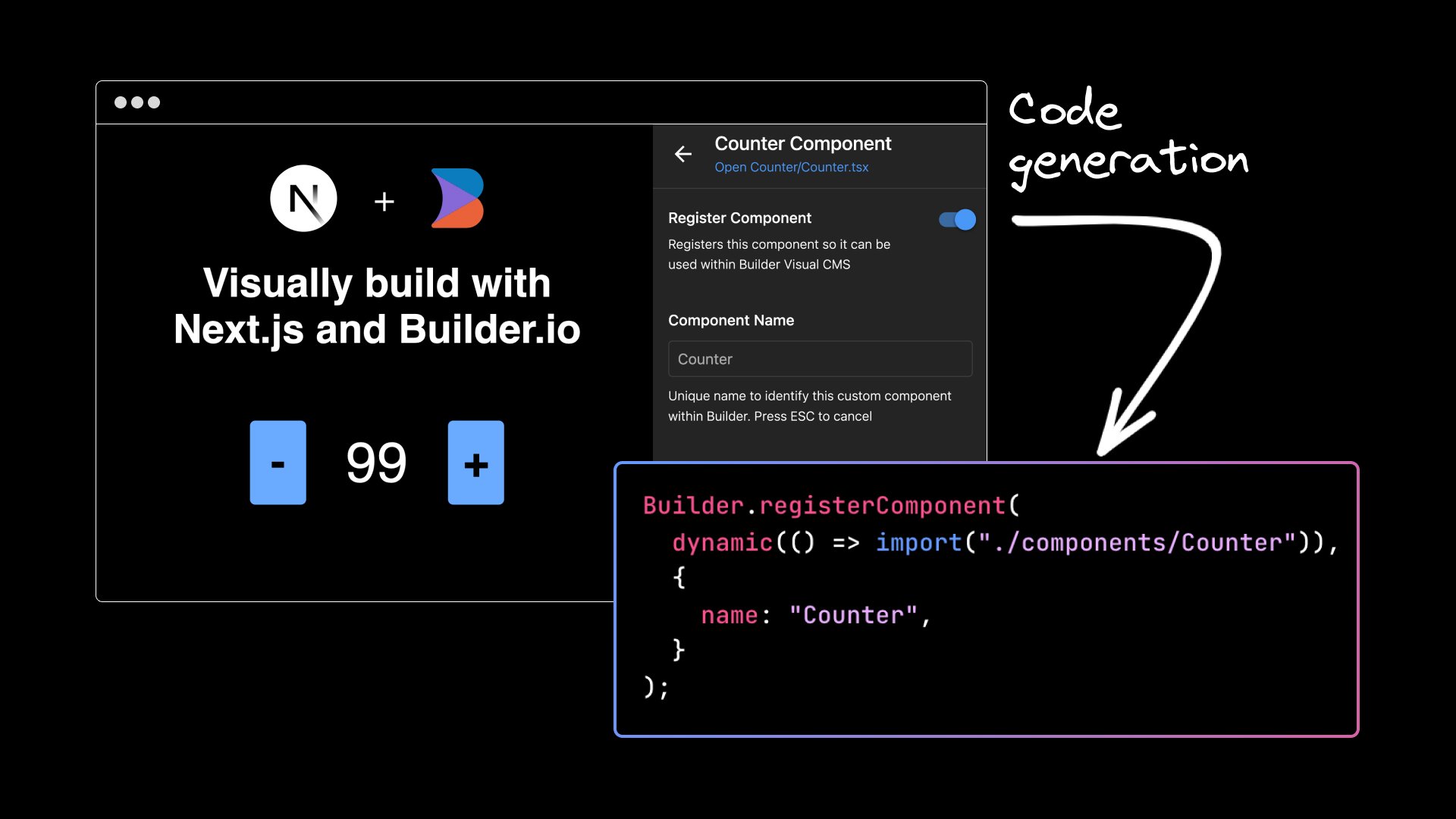


In our continuous quest to enhance your web development experience, we are thrilled to announce the latest update that extends the compatibility of Builder Devtools to Next.js.
We understand that as a web developer or designer, your time is precious, and efficiency is paramount. That's why we've gone the extra mile to streamline the integration process. Builder Devtools provides you with a smoother and more user-friendly experience, giving you more time to focus on what truly matters — bringing your creative vision to life.
Features
With this exciting update, Builder Dev Tools brings a host of features to enhance your web development workflow with Next.js.
Seamless CLI Integration
Getting started is a breeze! Seamlessly integrate Builder Devtools into your Next.js project with a basic command, eliminating the need for manual setup of various files.
User-friendly UI wizard
Simplicity is key to improving developer productivity. To make the integration process as smooth as possible, we've introduced an intuitive UI wizard. This user-friendly interface guides you step-by-step, ensuring you have a hassle-free experience while setting up Builder Devtools for your Next.js project.
Automatic code generation and setup
Builder Devtools automatically generates the necessary code and sets up your Builder organization and spaces. This automated setup saves you valuable time and effort, so you can hit the ground running with Builder's powerful features and functionality.
Component registration
Maintaining control over your components has never been easier. Builder Devtools empowers you to effortlessly register and unregister custom components directly from the UI. Drag and drop your own components into the editor with minimal effort, making the most out of Builder's visual development capabilities.
What’s next
If you're excited to explore the incredible features of the new Builder Devtools for Next.js, we recommend checking out our comprehensive blog post, "Drag and Drop with Next.js”. In that article, you'll discover how to create user interfaces effortlessly using the Builder Devtools and the intuitive drag-and-drop editor. Unleash your creativity and build exceptional web experiences with Builder and Next.js.
Share